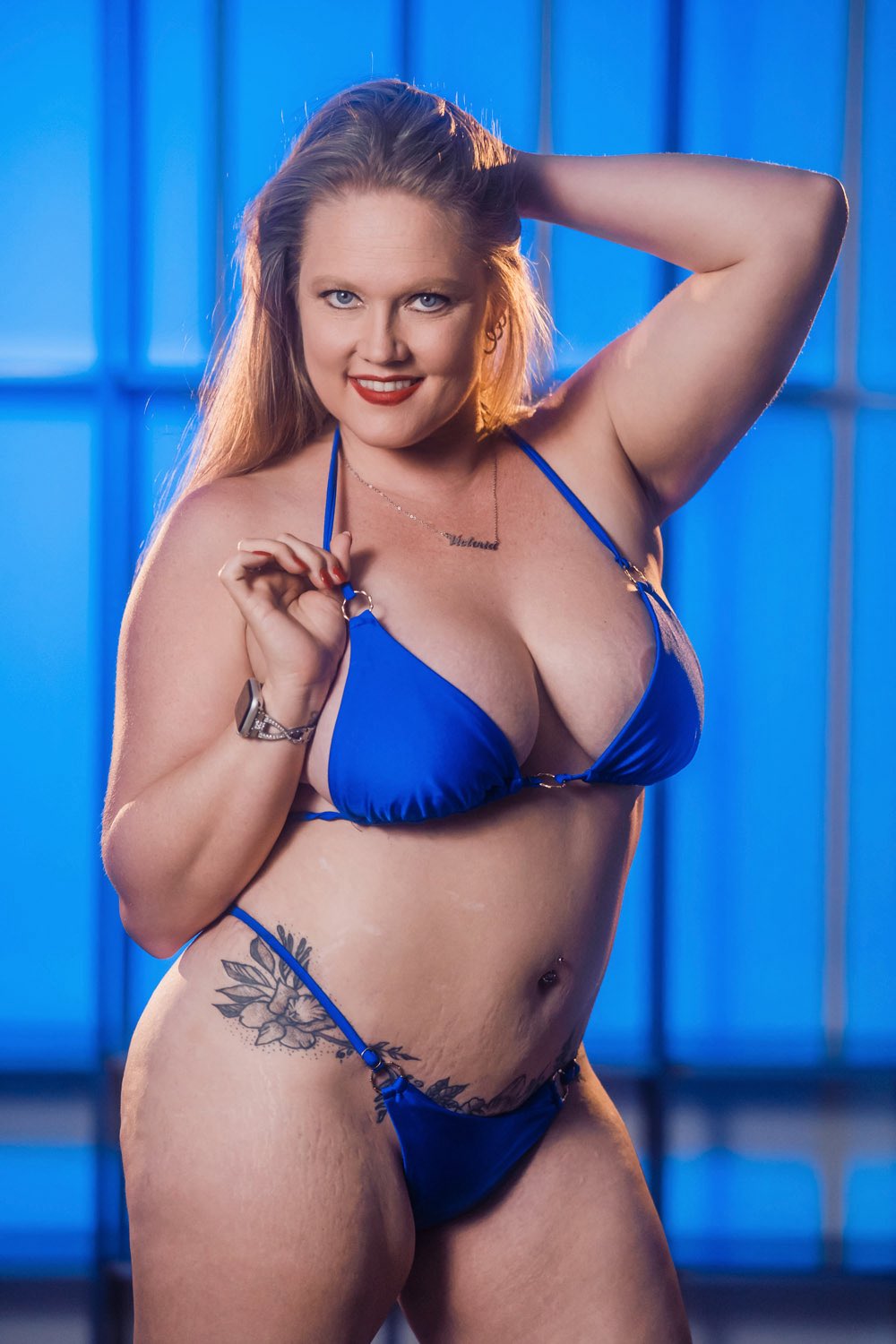
All Forums > Star Crossed > Star Crossed Forum Page 500 > Who's this hot tanned blonde with piercings?
AuthorPost
betazilla
Member

62 Posts
6/07
Posted - Jul 19 2008 : 11:28AM
I've never seen her before but she has a very exotic flavor.
[ invalid url ]
Anyone know?
Edited by - betazilla on Jul 19 2008
Jordan1
Member

Fishing, a fun hobby!
490 Posts
7/08
Posted - Jul 19 2008 : 12:53PM
betazilla, just a friendly note in case you aren't aware of it. If you are posting a link the best way to do it is when you are about to enter your message, click on where it says URL at the bottom of the text box next to Preview & Upload Image.
When the little box pops up at the top you'll see that it again reads: URL.
Paste the link there and then you have the option to have the link say whatever you type in the Description box. Click on Build Link. Follow the directions-basically Copy & Paste. If you decide not to enter anything in the Description box, the link that you pasted will appear the same way.
Doing this in the future will make it much easier for us so we can just click-n-go! Thanks.
P.S. Sorry I don't who she is.
Edited by - jordan1 on 7/19/2008 12:57:37 PM
betazilla
Member

62 Posts
6/07
Posted - Jul 19 2008 : 2:47PM
I was not aware. Thank you Jordan for being so helpful, I've improved the links.
Jordan1
Member

Fishing, a fun hobby!
490 Posts
7/08
Posted - Jul 19 2008 : 7:54PM
Betzilla you're welcome. Glad to help anytime. Well heck since I'm here, I'll give you another pointer you may not be aware of.
Above the aforementioned box (Preview) from my first post, you will see some headings in blue text. The first, Icon Legend is used to post Emoticons (Smileys).
Just click on Icon Legend and you will see two columns. The column on the left shows what it will look like, and what each one means.
The column on the right, Characters, is where you get the command to Copy & Paste (or type) it into the text area INCLUDING THE BRACKETS.
The next feature is used to underline, put text in bold etc. Just click on Markup Text. Copy & Paste (or type) the command into the text area.
For this feature, it is very important to paste (or type) the command next to the text-before and after as in the instructions. Again, make sure that you include the brackets or it won't work.
To make sure everything looks the way you want it, click on Preview before you post. I hope this info helps also. Have fun!
betazilla
Member

62 Posts
6/07
Posted - Jul 21 2008 : 11:46PM
Good tips. So does anyone know who this hot babe is?
 
betazilla
Member

62 Posts
6/07
Posted - Jul 27 2008 : 8:36PM
It's been awhile but I'm still curious, does anyone know? She looks like she's a pro.


Jump To: